How ICAPsensus Works
From setup to trip day — here’s how ICAPsensus fits into your school’s workflow.
Plan and Track Every Excursion
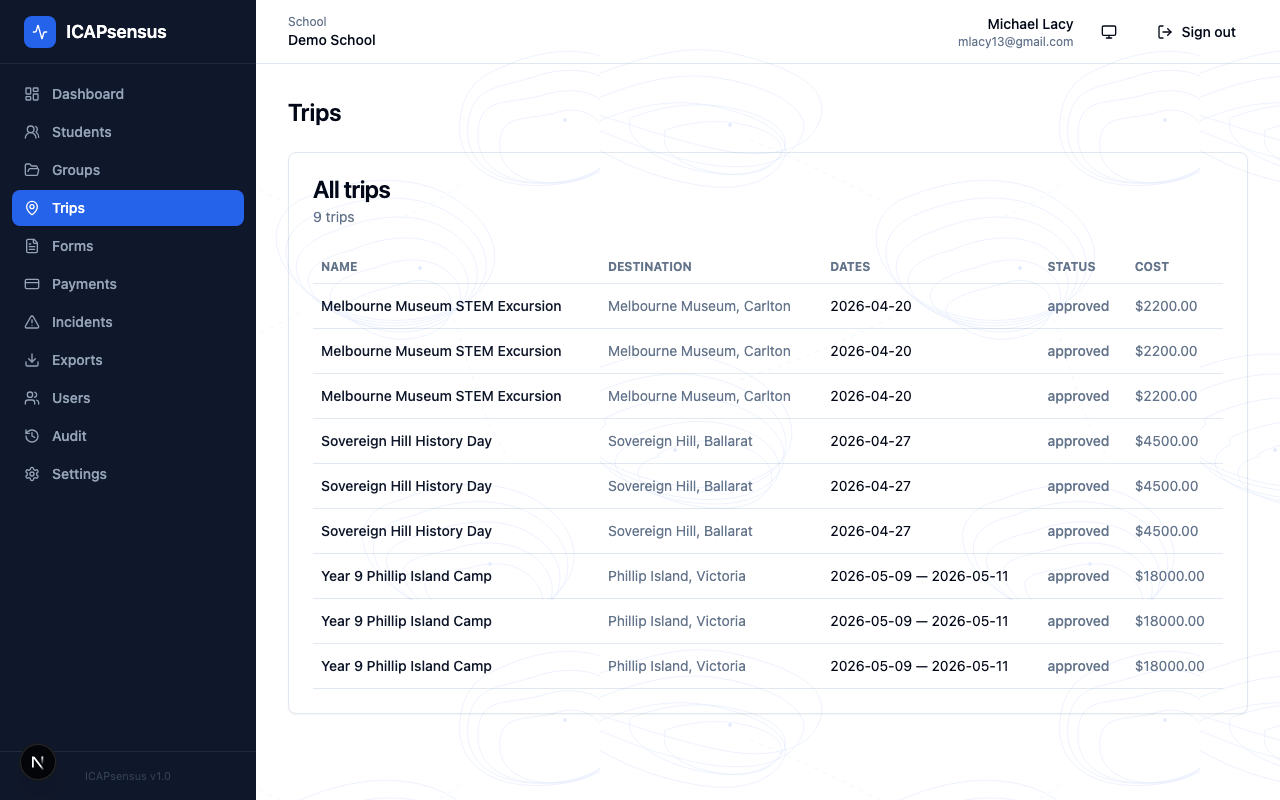
From local day trips to multi-day camps, ICAPsensus tracks destinations, dates, costs and approval status so nothing falls through the cracks.
Step 1
Set up your school
Import your students via CSV or add them manually. Create admin and staff accounts with role-based permissions. Configure your school profile — timezone, logo, and contact details.
- CSV import for bulk student upload
- Role-based staff permissions
- Demo data seeder to explore the platform first
School Setup
Your school profile, student list, and staff accounts — configured once, ready for every trip.
Trip + Form Builder
Build the trip and consent form together. Drag-and-drop questions, set the price, publish.
Step 2
Create the trip & consent form
Build a custom consent form for the trip. Add questions relevant to this specific excursion. Set the payment amount, capacity, and due date. Hit publish — parents are notified instantly.
- Custom form builder per trip
- Stripe payment integration at submission
- Parents notified on publish
- Real-time consent and payment tracking
Step 3
Manage consent & payments
Track who has submitted, who is pending, and who still needs to pay. Approve or request resubmission of forms. Send reminders. Everything from your admin dashboard.
- Live submission status per student
- One-click approval workflow
- Automated payment receipts
- Reminder emails to non-respondents
Consent Dashboard
Real-time view of every student's consent and payment status for the trip.
Trip Day Tools
Roll call, medical info, and incident reporting — all on your phone, even offline.
Step 4
Run the trip with confidence
On the day, open ICAPsensus on your phone. Run roll call with one tap per student. Access any student’s medical profile instantly. Log incidents with notes and photos. Full audit trail created automatically.
- Digital roll call from mobile
- One-tap access to student medical info
- Incident logging with resolution tracking
- Complete audit trail throughout
Proudly developed by


© 2026 Internet Communication Asia Pacific Pty Ltd. A.C.N 089 746 226. All rights reserved.